
Before we dive in, why not take a quick peek at my portfolio: https://priyalraj.com, & while you’re at it, check out my SaaS venture: https://shavelinks.com, it’s where innovation meets simplicity.
Why gzip even matters
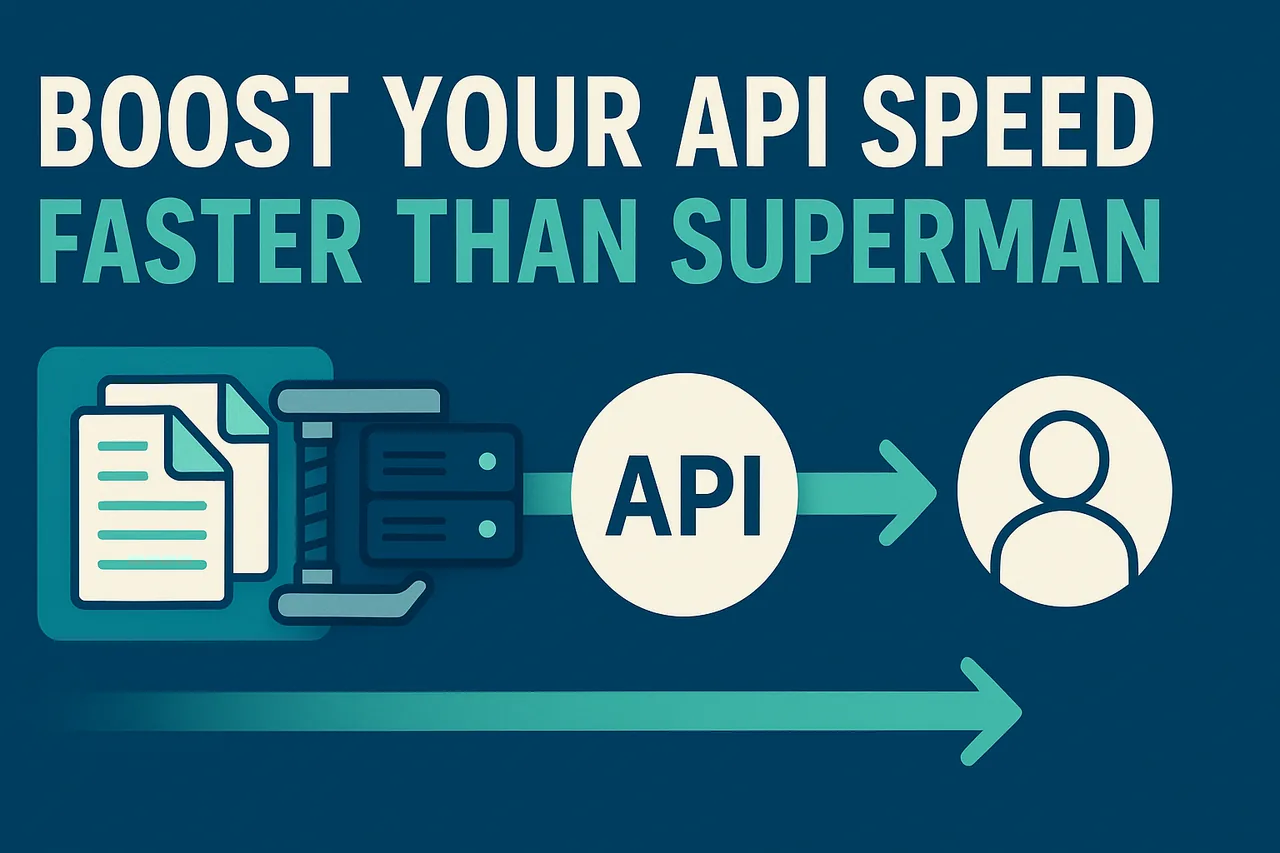
Have you ever opened a web app and thought it was too slow? Sometimes it’s not the code, it’s the size of the data we send to the client from the server. The bigger the response, the longer it takes to reach the user.
That’s where gzip comes in. It’s a simple, powerful tool to shrink your API responses. Smaller responses = Faster apps = Happier users.
So, in this article, I’ll show you how to use the built-in zlib module in Node.js to gzip your API responses in a Next.js app. We’ll also review when it’s worth using, some pros and cons, real performance benchmarks, and common mistakes to avoid.
TL;DR
📦 gzip compresses your API responses, reducing size by up to 70–90%.
⚡ Faster load times for users, especially on slow or mobile networks.
🧠 Use Node.js’s built-in
zlib.gzip(), no extra libraries needed.✅ Best used for text-based responses over 1 KB (I prefer 25 KB+).
🔄 For large streams (like files or huge JSON), use
zlib.createGzip()to avoid memory overhead.⚠️ Don’t gzip stuff that’s already compressed (images, videos, etc.).
🛡️ Avoid gzip on sensitive GET responses to mitigate BREACH attacks.
What is gzip?
Gzip is a way to compress data so it travels faster over the internet. It’s like zipping up a file, smaller size, same content.
When your server sends a gzipped response, the browser automatically unzips it. This makes your APIs faster and uses less bandwidth.
In Node.js, gzip is available out of the box via the zlib module. No extra setup needed.
Why (and when) to gzip your API responses
You should use gzip compression when you’re sending large chunks of text-based content, like:
JSON from APIs
HTML pages
Logs or debug responses
Anything not already compressed (like images)
It’s best for payloads over 1 KB, compressing smaller stuff can make them bigger (weird, right?). For optimal performance, it’s recommended to test and profile with different sizes to determine the most efficient setting.
Here’s how to gzip in a Next.js API route
Let’s say you have an API endpoint /api/data that sends a big JSON object. Here’s the compressed version using zlib’s gzip method:
import { NextResponse, NextRequest } from 'next/server';
import { gzip } from 'zlib';
import { promisify } from 'util';

const gzipAsync = promisify(gzip);

export async function GET(request: NextRequest) {
    try {
        const data = {
            message: 'Here`s a large JSON response from your API!',
            list: Array(5000).fill('🧠'),
        };

        const json = JSON.stringify(data);
        const uncompressedSize = Buffer.byteLength(json, 'utf-8');

        const compressed = await gzipAsync(json);
        const compressedSize = compressed.length;

        console.log(`Uncompressed Size: ${uncompressedSize} bytes`);
        console.log(`Compressed Size: ${compressedSize} bytes`);

        return new NextResponse(compressed, {
            status: 200,
            headers: {
                'Content-Type': 'application/json',
                'Content-Encoding': 'gzip',
                'Cache-Control': 'no-store',
            },
        });
    } catch (error: unknown) {
        console.error("Error", error);
        return NextResponse.json({ data: [], message: "Please contact admin.", status: 500 });
    }
}
That’s it, Next.js will send a gzipped version of your response, and the browser will automatically unzip it.
Performance Benchmarks:
Here’s a simple test I ran using the above Next.js API code:
Without gzip: 35.4 KB ~ 60 ms
With gzip: 0.4 KB ~ 80 ms
As you can see, gzip adds a bit of CPU time but reduces the response size dramatically. That trade-off is worth it, especially for users on slower networks or mobile data, and for reducing your server’s bandwidth usage too.
Pros & Cons of gzip
Like everything in development, gzip comes with its benefits and trade-offs. Let’s break down the good and the not-so-good sides of using gzip.
✅ The good stuff:
Smaller payloads: Up to 60–70% smaller for text-based content.
Faster load times: Less data = quicker client rendering.
Built-in: No need to install anything extra in Node.js.
⚠️ The caveats:
CPU cost: Compressing takes a bit of processing time.
Tiny responses may bloat: Overhead from headers can make small payloads bigger.
Be careful with double compression: Don’t gzip again if your reverse proxy (like Nginx or Vercel) is already doing it.
Common Mistakes to Avoid
Forgetting headers Always add
Content-Encoding: gzipin the headers, otherwise the browser won’t unzip it, and you will see some alien code.Compressing everything Don’t gzip tiny responses (like “OK”). Set a threshold like 1 KB.
Using gzip when it’s already done If your host or CDN (like Vercel) already gzips your content, you don’t need to do it again.
Compressing already-compressed stuff Images, PDFs, and videos are already compressed, gzip won’t help and may make things worse.
Security Note: What’s the deal with BREACH?
Some devs get nervous about HTTP compression because of an attack called BREACH. It’s a way attackers can use response size differences to guess secure tokens.
This mostly affects sensitive GET responses that include secret data (like CSRF tokens). What to do:
Avoid gzip for sensitive routes
Randomise response lengths
Or disable compression for those endpoints
Final Thoughts
Adding gzip to your API routes is one of those ***easy wins ***that instantly makes your app feel snappier. In just a few lines of code, you can drastically cut response sizes and speed up delivery, especially for users on mobile or slow networks.
Personally, I apply gzip only to responses over 25 KB, just my preference, since I love my CPU! 😄
Bonus Tip: How to Check if gzip is Applied
If you’re wondering whether gzip has been applied to your API responses, you can easily check this using Chrome DevTools:
Open DevTools (right-click → Inspect, or press
Ctrl+Shift+I).Go to the Network tab.
Refresh your page and click on your API request.
Under Headers, check for the
Content-Encodingheader. If it says gzip, you know your response is compressed.
If you enjoyed this article, please make sure to follow me on Twitter.


Priyal Raj
Full Stack Developer with 3+ years building production web apps for founders and product teams worldwide. I write about Next.js, Node.js, TypeScript, Redis, and everything in between.