
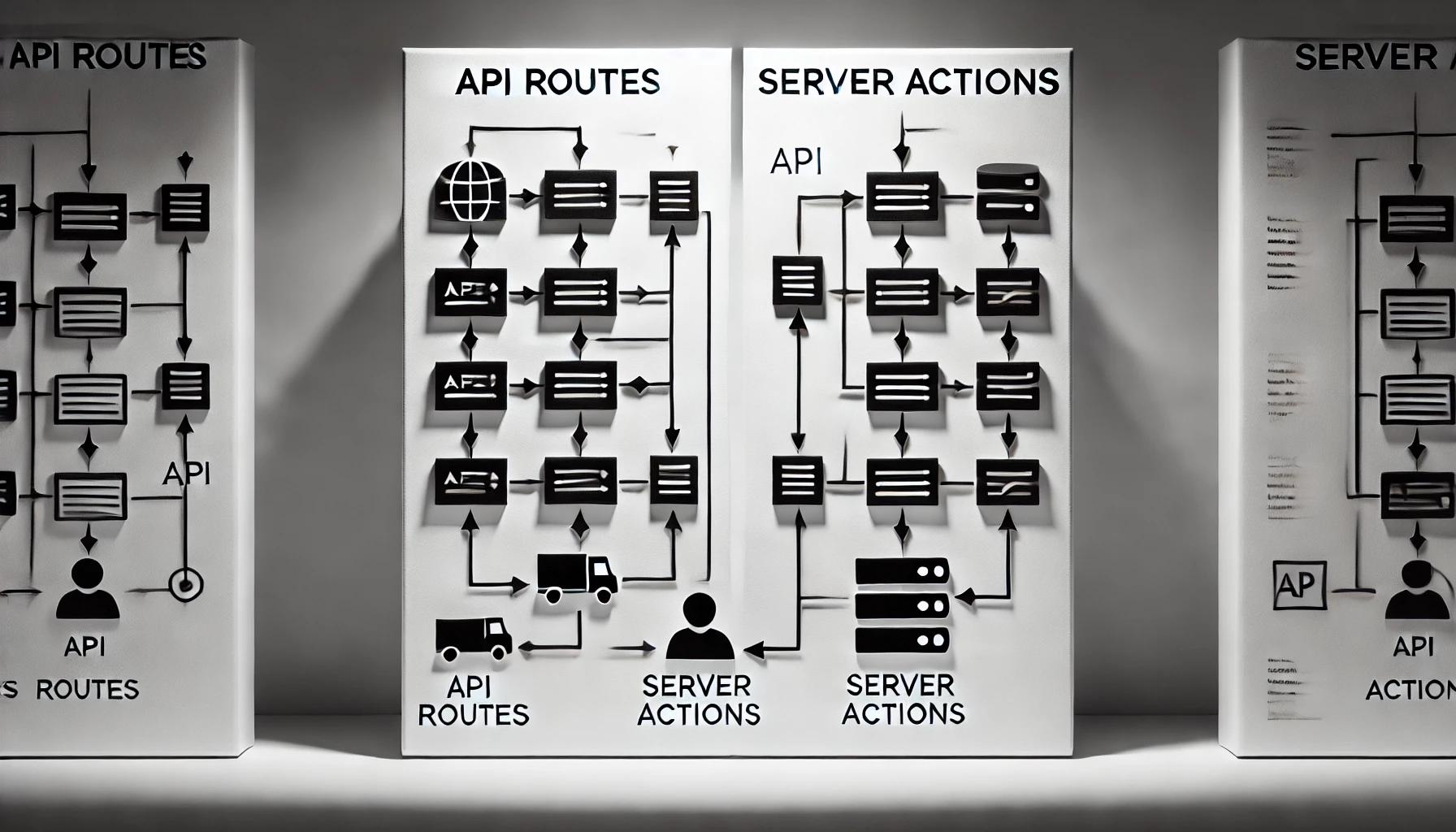
In this post, I will be detailing the specific scenarios that where you should use API Routes and Server Actions. If you want to dive deeper into the details, refer to this post.
Before we dive in, why not take a quick peek at my portfolio: https://priyalraj.com, & while you’re at it, check out my SaaS venture: https://shavelinks.com, it’s where innovation meets simplicity.
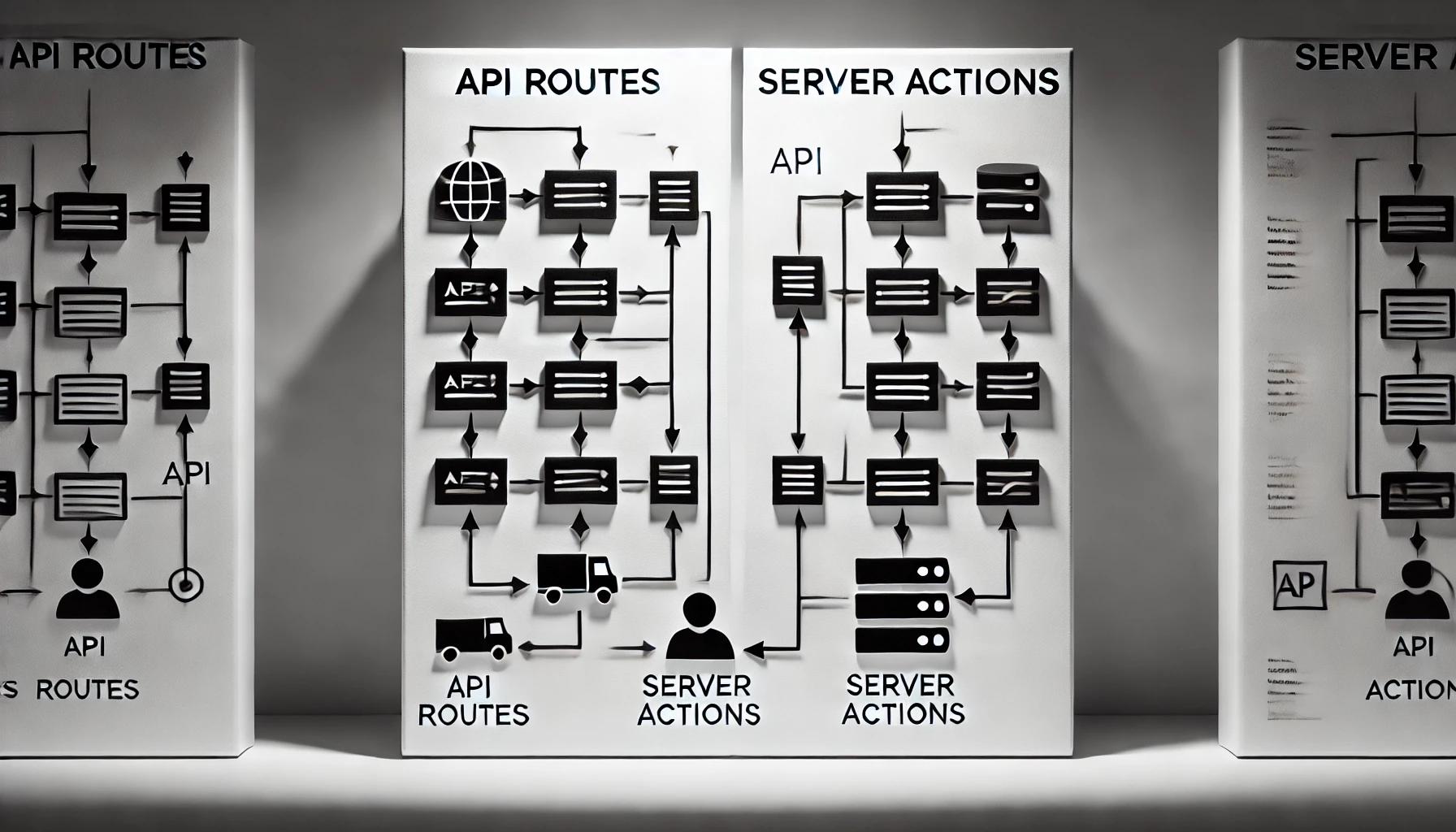
In the evolving landscape of web development, Next.js continues to stand out as a powerful framework for building web apps. Among its many features, Next.js provides two crucial features for server-side logic:
Now let’s understand the differences between these two, & also when to use which for vital optimization of your web app performance, & maintainability.
Understanding API Routes & Server Actions in Next.js 14: A Quick Rundown
API Routes
API Routes in Next.js 14 are a familiar concept to many developers. They allow you to define server-side functions in the app/api directory, which can handle various HTTP methods link GET, POST, PUT, PATHCH, & DELETE. API Routes are perfect for building RESTful/GraphQL APIs that can be consumed by multiple clients, including web and mobile apps.
One of the key advantages of API Routes is their flexibility. You can use them to create endpoints that interact with databases, authenticate users, use as a webhook, or even proxy requests to third-party services. Because they operate within the Node.js runtime, API Routes can easily leverage Node.js modules and libraries, making them ideal for a wide range of server-side tasks.
Server Actions
Server Actions are a newer addition in Next.js 14. They are designed to streamline server-side logic within your components. Unlike API Routes, which are exposed as public endpoints, Server Actions are seamlessly integrated with the component where they are used. This means you can directly invoke server-side logic, such as database mutations or server-side data fetching, without the overhead of making HTTP requests.
Server Actions are particularly useful in scenarios where the logic is closely tied to a specific component or user interaction. For instance, handling form submissions, performing validation, and updating data can all be done directly within the component. This not only simplifies the code but also improves performance by reducing the need for separate API calls.
API Routes vs. Server Actions: A Side-by-Side Comparison
| Features | API Routes | Server Actions |
|---|---|---|
| Definition | Functions that handle HTTP requests in Next.js. | Server-side functions triggered during React Server Component rendering. |
| Trigger Mechanism | Triggered by an HTTP request (GET, POST, etc.). | Triggered during the rendering of a React Server Component. |
| Purpose | Building traditional REST or GraphQL APIs. | Handling server-side logic directly in components. |
| Typical Use Cases | Exposing data to clients like mobile apps or SPAs. | Server-side operations triggered from React components. |
| Request Handling | Handles incoming HTTP requests from clients. | No explicit HTTP request handling. |
| Client Interaction | Typically used to interact with clients directly through fetch requests. | Not directly interacted with by clients. |
| Security Considerations | Secure as it runs on the server and can access environment variables. | Inherits server-side security. |
| State Management | Independent of the rendering cycle. | Integrated with React’s rendering process. |
| Caching | Can implement caching via HTTP headers or in-memory caches. | Can benefit from Next.js’ built-in caching mechanisms. |
| Data Fetching | Fetch data independently from the component tree. | Fetch data as part of the server-rendering process. |
| Deployment | Easily deployable as part of the API routes in a Next.js app. | Part of the server-side logic, deploys with the app. |
| Flexibility | Highly flexible for a variety of use cases. | Focused on server-side rendering and pre-rendering. |
| Handling HTTP Methods | Supports multiple HTTP methods. | Typically handles POST-like actions. |
| Route Definition | Defined as separate files under /api. | Defined inline within server components. |
| Scalability | Scales well as standalone endpoints. | Scales based on the overall component architecture. |
| Performance | Can be optimized independently from the UI. | Reduces latency by avoiding network requests. |
| Complexity | Requires more boilerplate code. | Simplifies logic by embedding server actions in components. |
| Best Use Cases | Ideal for building public APIs. | Best for internal server-side logic. |
Conclusion: Choosing the Right Feature for the Job
In summary, both API routes and Server Actions are powerful tools within Next.js, but they serve different purposes.
API routes provide flexibility and are better suited for complex, multi-client APIs or operations requiring extensive server-side logic. Server actions, however, offer a streamlined, performant solution for scenarios where the logic is closely tied to a component’s rendering process.
By understanding the strengths and ideal use cases of each, you can make informed decisions that enhance the efficiency and maintainability of your Next.js applications.
Whether you’re building a robust API or optimizing your server-side interactions, Next.js has the tools you need. As the framework continues to evolve, mastering the art of choosing the right approach will be key to unlocking its full potential.
One Last Thing You Should Know 👇
Here’s something that’s easy to miss but super important, Server Actions run one after the other, not all at once. So if you’re doing multiple things with them, they’ll queue up and take longer. API Routes, on the other hand, can handle tasks in parallel, making them a better fit when performance and speed are key. It’s a small detail, but it can make a big difference in real-world apps.
So, When Should You Use What?
Use API Routes when you need flexible, standalone endpoints, perfect for things like authentication, webhooks, or when your logic needs to be reused across clients.
Use Server Actions when the logic is tightly coupled with a component, like handling form submissions or making quick database updates right from the UI.
If you enjoyed this article, please make sure to follow me on Twitter.


Priyal Raj
Full Stack Developer with 3+ years building production web apps for founders and product teams worldwide. I write about Next.js, Node.js, TypeScript, Redis, and everything in between.